Flowers and Deities System Requirements
Steam’s floors, then the settings that keep the Underworld readable.
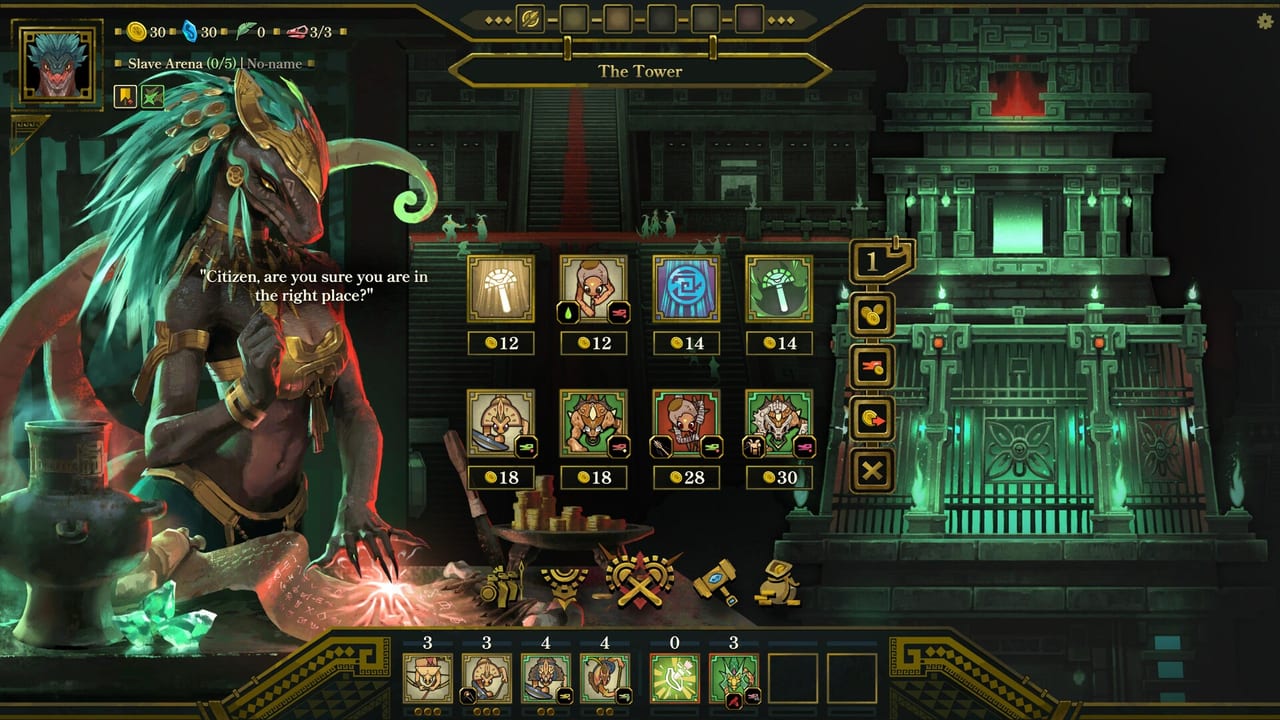
Flowers and Deities is a lightweight-looking autobattler that can still choke when rain, buff glitter, and Bloodshades stack. Steam’s published floors are modest. Patch 8.15 exists because modest floors plus a pretty rainforest is how laptops suffer. Read the numbers, then read the settings.
This is not a benchmark lab. It is the store page plus the hotfix. For the toggle list, use Controls. For the patch text, use Patch 8.15.
Windows (Steam)
Minimum. 64-bit OS. Windows 8 is printed on the store page; Valve’s client itself wants Windows 10 or later as of 2024, so treat Windows 10 as the practical floor. 6th-generation Intel Core i5. 4 GB RAM. GTX 670 (2 GB) or HD 7870 (2 GB) or Intel Arc A380 (6 GB) or Iris Xe G7 (Tiger Lake) or Vega 8. DirectX 11. 2 GB storage.
Recommended. Windows 10. Core i7-9700K or Ryzen 5 5600X. 8 GB RAM. GTX 1660 Ti or RX 5600 XT or Arc A750. DirectX 11. 2 GB storage.
If you are on the minimum GPU, start with Low-End Mode on. Do not wait for the Underworld column to convince you.
macOS (Steam)
Minimum. macOS 10.15 Catalina. Intel Core i5 or Apple M1. 8 GB RAM. Intel Iris Plus or equivalent. Broadband listed. 1 GB storage.
Recommended. macOS 11 or newer. Apple M1 or Intel Core i7. 16 GB RAM. M1 GPU or dedicated graphics. 1 GB storage.
A Mac demo build existed in April 2026. The released app is the one you want. Do not launch a leftover playtest executable and then write a performance bug.
Linux is not listed. Proton may work; we will not pretend it is supported.
What the store does not say
Family Sharing is listed. Steam Deck is not a first-party promise on the copy we captured. If you try Deck, use Low-End Mode and a high UI scale. Report frames to the official Discord, not as a wiki guarantee.
The game is single-player. You do not need a special NAT or a party size. You need a mouse and a willingness to sit through a long campaign. System as a purchase question is really a length question; the review covers that.
Practical settings
- Update to 8.15 or newer before you judge frames.
- Low-End Mode: rain, buff effects, hit effects off.
- UI scale up to 3 if the Forge is unreadable.
- Combat speed on after the first volley of a solved fight so the laptop spends less time compositing glitter.
If you still hitch, close the Steam overlay recording extras and confirm you are not in a browser-stream plus the game. Two-gigabyte installs can still be GPU-bound when every death spawns a shade.
Buy it on the Steam store if the floors match. Gift it only after you have seen the recommended line. The official links page has Discord if your hardware is weirder than this table.
Storage is not the constraint. Two gigabytes is a rounding error. The constraint is fill rate when every corpse becomes a shade and the rain is a particle layer. That is why this page spends more words on Low-End Mode than on the CPU line. A recommended GPU with effects on will still look better. A minimum GPU with effects on may look like a slideshow in column five, which is a worse review than a flatter rainforest.
Frequently Asked Questions
Quick answers drawn from the current Steam build.
Can I run Flowers and Deities on 4 GB of RAM?
Steam’s Windows minimum says 4 GB. Use Low-End Mode and close other apps. 8 GB is the recommended line.
Does it run on macOS?
Yes. Steam lists Catalina as the minimum and Big Sur-or-newer as recommended, with Intel and Apple Silicon notes.
Is Linux supported?
Not on the store page we used. Proton is unofficial here.
Will Low-End Mode make fights easier?
The patch text only removes visuals. Treat it as frames, not as a difficulty cheat, until a later note says otherwise.